

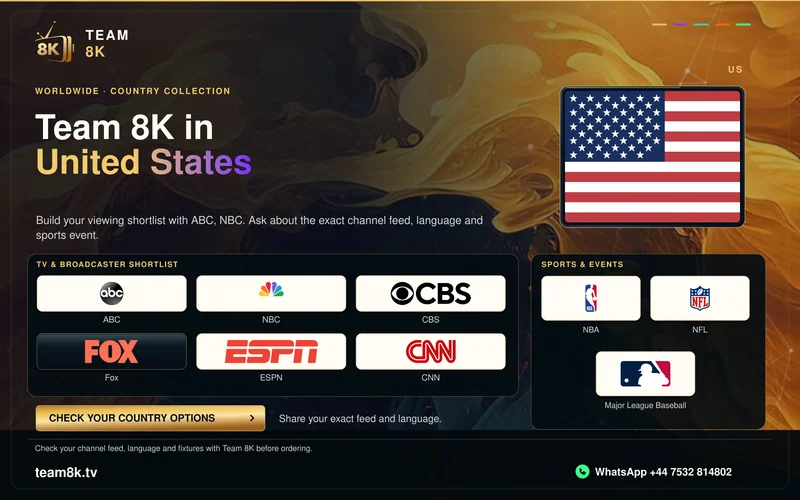
Local stations and national feeds answer different needs
A national sports or entertainment brand can appear alongside local affiliates with separate schedules. For local news, write down the station call sign, city and state. For a game, include the league, teams and event date. This gives a useful answer about the exact source instead of a vague promise about a whole network.
Keep English and Spanish versions separate in your viewing list. The commentary track, programme guide and regional schedule can differ even when two channel tiles use a familiar parent-network logo.
Check the exact Fire TV model before installing
Fire TV is a product family, rather than a guarantee that every device accepts the same package. Amazon's specification tables identify the operating system by model. Use the matching app store or a confirmed installer route for that model. A Downloader code intended for a compatible Android-based player is not a universal installation method.
Google TV and Android TV offer another television route. Roku, Apple TV and a television's native operating system need their own compatible application; an Android APK does not become compatible because the television has an HDMI port.
Plan for local time and live viewing
A US programme guide may show a feed's schedule in a different time zone from the viewer. Start with the device's automatic date, time and time-zone settings. Compare an actual programme start against the guide before applying a manual offset. Daylight-saving changes can expose an offset that had appeared correct earlier.
Test a live source during your usual evening viewing period. A short daytime network test does not show whether the same Wi-Fi connection stays stable when the household is using it heavily.
What to send with your trial request
Install the appropriate player, then message Team 8K on WhatsApp for the one-day free trial. Include the device model, player name, state or time zone, and the exact feeds you want to test. Ask for the matching account format and assigned server option.
The published worldwide subscription totals are in USD and the standard allowance is one customer connection. Test devices one at a time. Confirm source availability, any player fee, payment arrangements and the applicable refund terms before committing to a longer period.
Country broadcaster references
Use the actual service name when describing your viewing needs. These publisher links identify the broadcaster; access through its own service is separate.