

Separate language from country edition
A source in Castilian Spanish may differ from a Latin American edition in audio, scheduling and programme rights. Catalan, Basque and Galician services are also distinct viewing requests. Include the exact channel or programme rather than relying on a national flag.
When a film has several audio options, select from the tracks actually present. Changing the player menus to Spanish does not change the film's audio or guarantee a subtitle track.
Use the correct local clock
Mainland Spain and the Canary Islands do not use the same local time. Set the device for the viewer's location, then compare a known programme with the guide. Do not compensate for a wrong device clock by applying several player offsets.
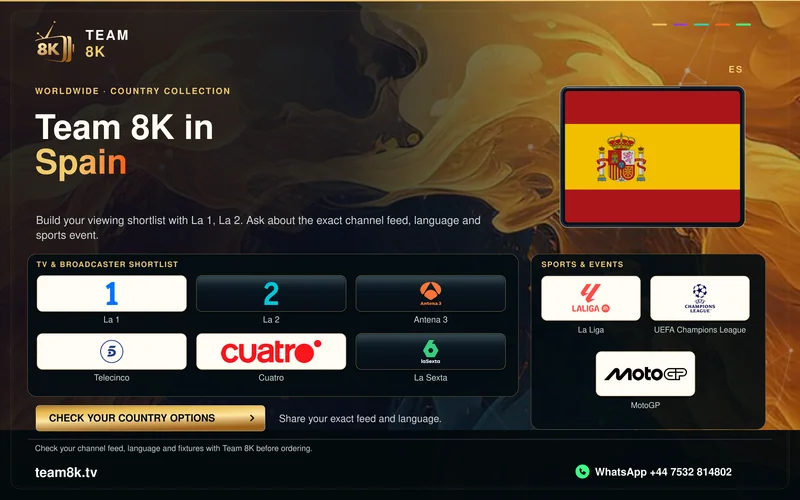
For sport, distinguish the competition, fixture date and language of commentary. A competition logo in the artwork describes a viewing interest, rather than a confirmation of a particular feed.
Check native television stores and external devices separately
Identify the actual TV operating system and model. Tizen, webOS, VIDAA and Google TV routes differ, and store catalogues can vary by region. The subscription does not install an incompatible application.
If the player uses a portal address, ask whether registration of the intended device is required. A MAC identifier used by a receiver is unrelated to installing a player on an Apple Mac computer.
Use a focused one-day test
Install the appropriate application and contact Team 8K on WhatsApp for the one-day free trial. Test the required regional edition, audio or subtitles, programme times and remote navigation.
Standard viewing plans list one connection. Published prices are USD totals for the entire term. Confirm any app charge, payment conversion, cancellation and refund conditions before moving from a trial to a paid plan.
Country broadcaster references
Use the actual service name when describing your viewing needs. These publisher links identify the broadcaster; access through its own service is separate.