
Check the exact listed code and destination before downloading a build. Review the supplied Strong power entry, device requirements and practical checks.
Exact player context
A further provider-listed Android player. Use the published entry as a starting point and confirm the current destination with support. No version number or separate feature entitlement was supplied.
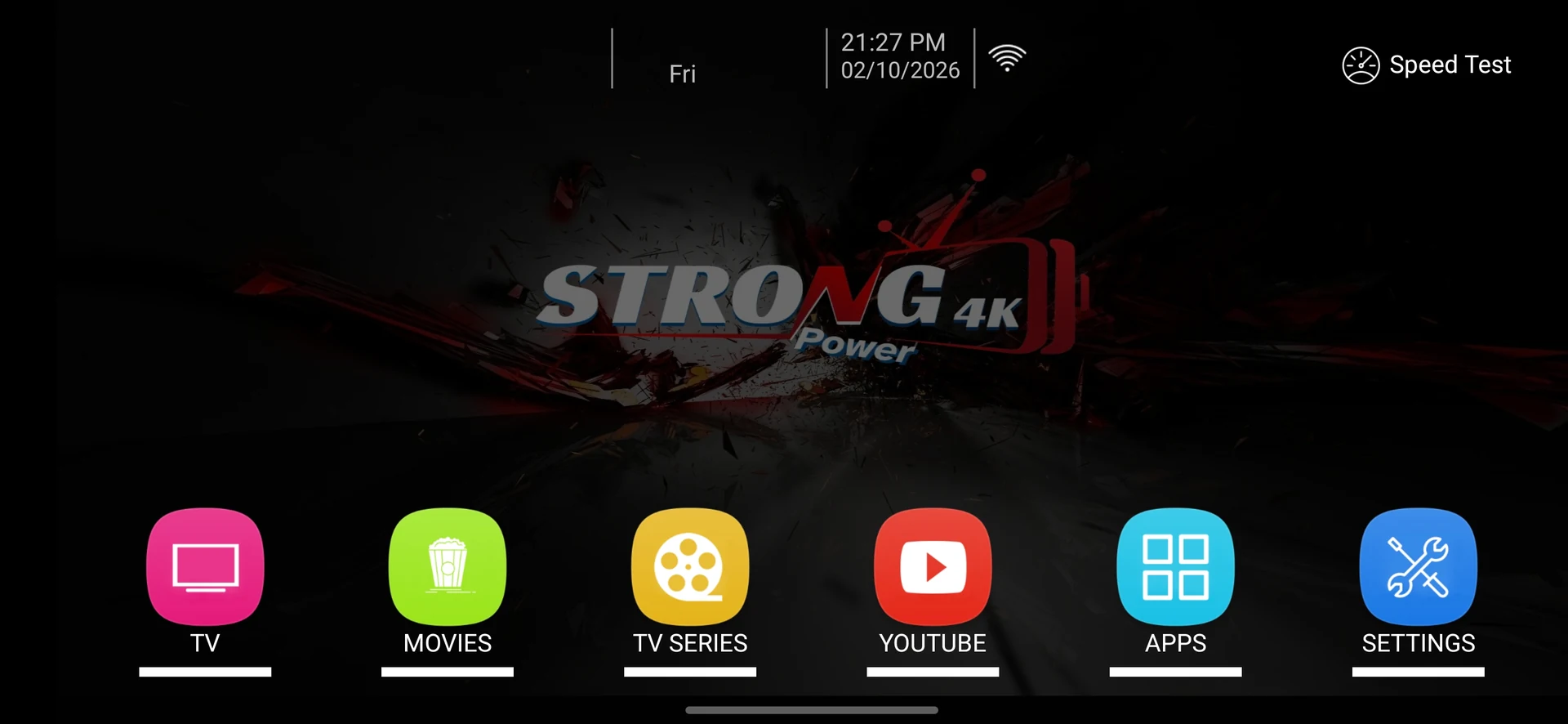
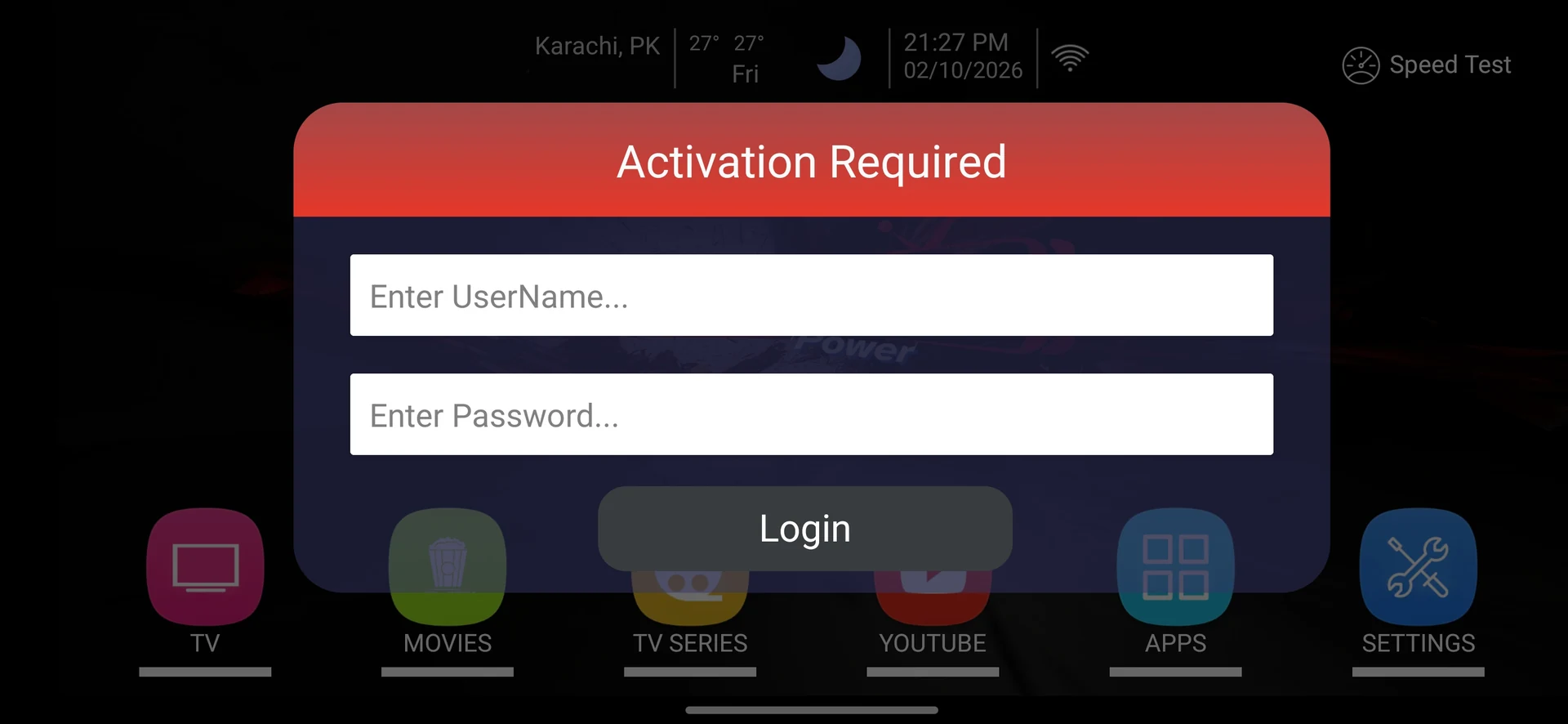
Download Code and Installation Source for Strong power
Check the exact listed code and destination before downloading a build.
Use the published entry as a starting point and confirm the current destination with support. No version number or separate feature entitlement was supplied.
The supplied entry identifies Strong power with code 8897049, listed on 2026-05-29. It does not establish a current publisher signature or a universal device support promise.
Prepare the exact player and account
Keep account details in a private record and enter them only into the intended compatible app. Check the destination of a shortened download link before proceeding.
Record the installed Strong power build, operating system and device model. Keep the player name separate from the service account identity; the source list contains several similarly named entries.
Use the check that answers this question
Check the exact listed code and destination before downloading a build.
For support, share the device, app, version, error and approximate time. Conceal passwords, playlist query strings, account tokens and unrelated personal data in screenshots.
If access looks unfamiliar, stop sharing the account and contact the published support route. For a reseller login, use a unique password and available additional verification.
Keep platform limits visible
Confirm the supported operating system before using a supplied code. Android-compatible packages cannot be installed directly on Apple platforms, Tizen or webOS. Native desktop installers use a different format.
Use the published entry as a starting point and confirm the current destination with support. No version number or separate feature entitlement was supplied.
What to keep from the test
Access details remain private and the support report contains enough non-sensitive evidence to investigate.
For this download code and installation source workflow, preserve the exact Strong power build and source information. If support confirms a different installation or login method, record that instruction with the date instead of treating another similarly named player as interchangeable.
Avoid an unnecessary reset
No support request needs a bank password, one-time banking code or public exposure of a complete M3U URL.
Preserve a supported settings backup or a private account record before clearing app data. A cache action, update and complete reinstall have different effects. Keep the account, source and network stable while testing an app-specific change.
| Observed result | Useful next action |
|---|---|
| A playlist is pasted into a public note | Remove the full access URL and contact support privately. |
| A screenshot shows a password | Conceal it before sharing and review exposure with support. |
| Download source or developer is unclear | Confirm the intended package before installation. |
| Unexpected panel activity appears | Keep the time and action record and contact the operator. |
| Multiple people use one manager login | Review permissions and use separate access where available. |
| Someone asks for a banking code | Do not include bank passwords or one-time codes in a support report. |
Ask a precise player question
Use WhatsApp +44 7532 814802 or support@8kiptv.io. Include Strong power, the installed version, exact device, source or error and approximate time. Keep complete credentials and private playlist URLs concealed.
If the intended question is the current download destination, mention the supplied code 8897049 and ask for the supported build. If the intended question is access, confirm the account format and term separately from the application.
Related service context: compare account and setup information directly at 8kiptv.io. The Strong power interface and current download build should be confirmed separately.
Continue with the relevant guide
Useful next steps
Guide
Device setup directory
Check the exact platform before installing.
Read the guideGuide
Player names and codes
Find the provider-listed app entry.
Read the guideGuide
Support by symptom
Collect a focused report before changing everything.
Read the guide