
Test one live source and a short VOD item before altering advanced settings. Review the supplied 8K Player VIP entry, device requirements and practical checks.
Exact player context
Live television and everyday account access. Start with the account login supplied for this player. The name of an application is separate from the subscription it opens.
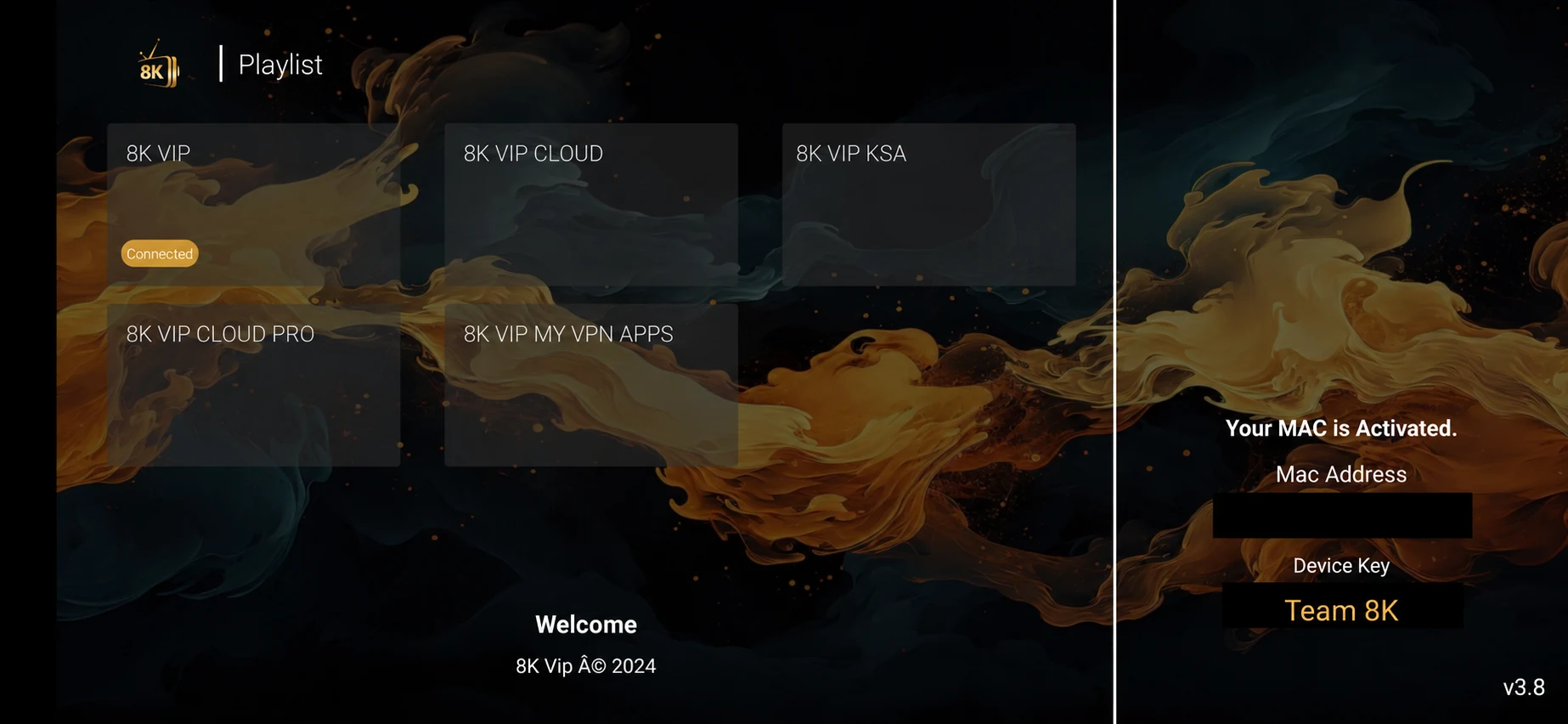
First Playback and Device Test for 8K Player VIP
Test one live source and a short VOD item before altering advanced settings.
Start with the account login supplied for this player. The name of an application is separate from the subscription it opens.
The supplied entry identifies 8K Player VIP with code 2057169, listed on 2026-05-29. It does not establish a current publisher signature or a universal device support promise.
Prepare the exact player and account
Record the exact model, operating system, player name and account format. Keep the issued server address separate from the username and password.
Record the installed 8K Player VIP build, operating system and device model. Keep the player name separate from the service account identity; the source list contains several similarly named entries.
Use the check that answers this question
Test one live source and a short VOD item before altering advanced settings.
Open the player login screen and use only the field type that matches the issued account: username/password, M3U playlist, portal or device registration. Do not mix them.
Open one live channel, leave it playing, then test a second category and a short on-demand item. This shows whether access and playback both work.
Keep platform limits visible
Confirm the supported operating system before using a supplied code. Android-compatible packages cannot be installed directly on Apple platforms, Tizen or webOS. Native desktop installers use a different format.
Start with the account login supplied for this player. The name of an application is separate from the subscription it opens.
What to keep from the test
The login succeeds, categories load and at least one supported live and on-demand source plays.
For this first playback and device test workflow, preserve the exact 8K Player VIP build and source information. If support confirms a different installation or login method, record that instruction with the date instead of treating another similarly named player as interchangeable.
Avoid an unnecessary reset
Changing players repeatedly before confirming the account makes it difficult to tell an installation problem from a credential problem.
Preserve a supported settings backup or a private account record before clearing app data. A cache action, update and complete reinstall have different effects. Keep the account, source and network stable while testing an app-specific change.
A first-session acceptance test
Treat first setup as a small acceptance test. Signing in proves that the account can reach a service entry point, but it does not prove that the device can decode every source. Loading a catalogue proves that some account data arrived, but it does not prove that a selected channel is currently playable. Keep those milestones separate in your notes.
Use one ordinary live source and one short on-demand item as a baseline. Watch the live source long enough to notice a repeated interruption, then test pause and seek on the on-demand item. Check the selected output and any language track that you actually need. If a control is absent in the player, record that limitation rather than inventing an Android menu path for a different platform.
Only after that baseline works should you spend time arranging favourites, hiding categories or importing extra guide sources. This order reduces the amount of local setup you could lose if you later need another compatible player. Keep the account details privately and note how the installed application stores its local preferences.
| Observed result | Useful next action |
|---|---|
| App opens but no login route is obvious | Check the exact app identity and which access format it accepts. |
| Login rejected | Verify the issued server, credentials and account status. |
| Login works but list is empty | Check category filters, the selected account and a normal refresh. |
| List loads but one source fails | Compare another source before reinstalling the player. |
| Live works but VOD fails | Check the exact title and on-demand area separately. |
| Video works but sound does not | Use the audio track and output checklist instead of changing the account. |
Ask a precise player question
Use WhatsApp +44 7532 814802 or support@8kiptv.io. Include 8K Player VIP, the installed version, exact device, source or error and approximate time. Keep complete credentials and private playlist URLs concealed.
If the intended question is the current download destination, mention the supplied code 2057169 and ask for the supported build. If the intended question is access, confirm the account format and term separately from the application.
Related service context: compare account and setup information directly at 8kiptv.io. The 8K Player VIP interface and current download build should be confirmed separately.
Continue with the relevant guide
Useful next steps
Guide
Device setup directory
Check the exact platform before installing.
Read the guideGuide
Player names and codes
Find the provider-listed app entry.
Read the guideGuide
Support by symptom
Collect a focused report before changing everything.
Read the guide