
Use the specifically supplied Windows 11 installer, version 0.2.0. Review the supplied screenshots and request a one-day trial after installation.
Identify the exact 8K Player Windows 11 App route
Use the specifically supplied Windows 11 installer, version 0.2.0.
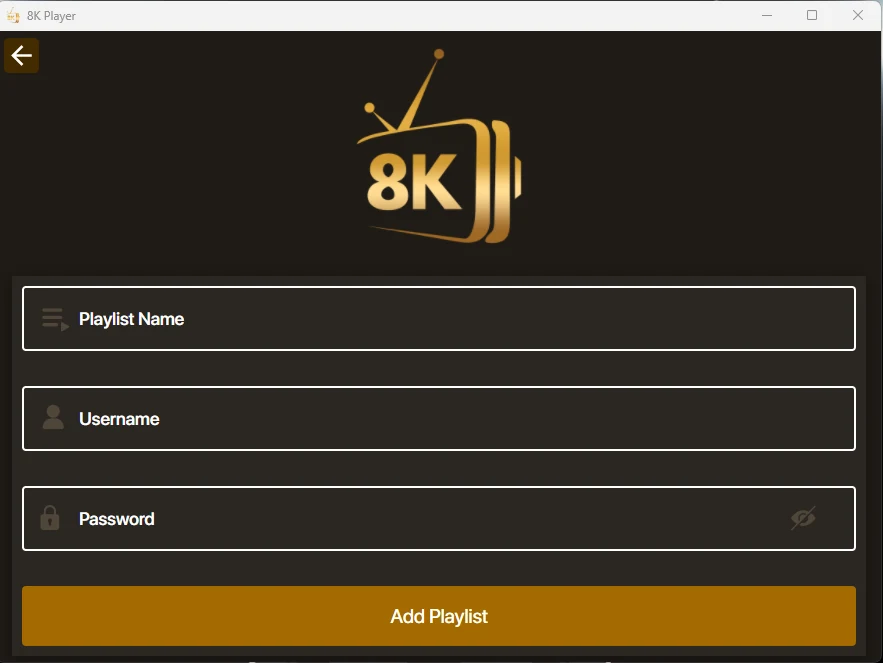
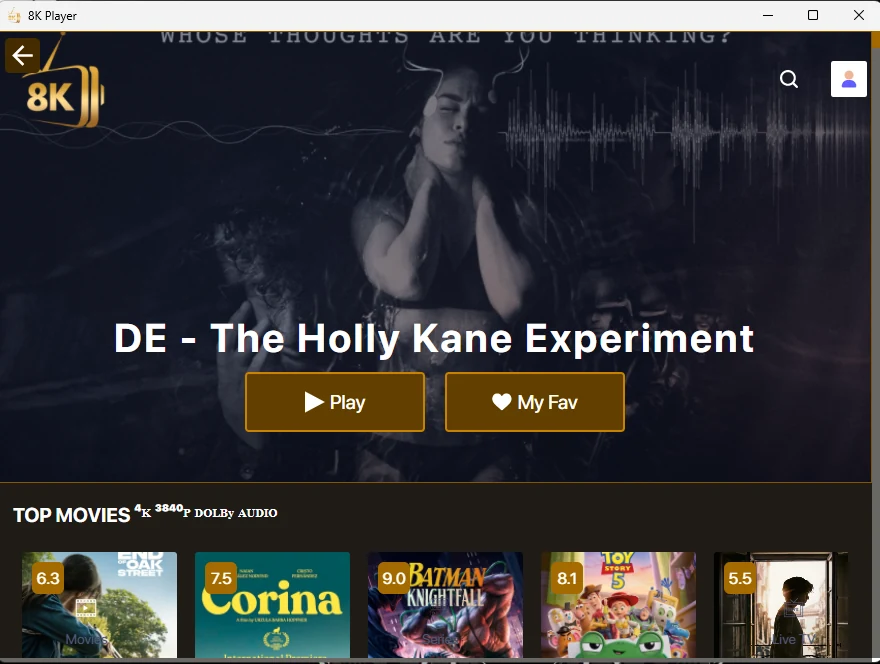
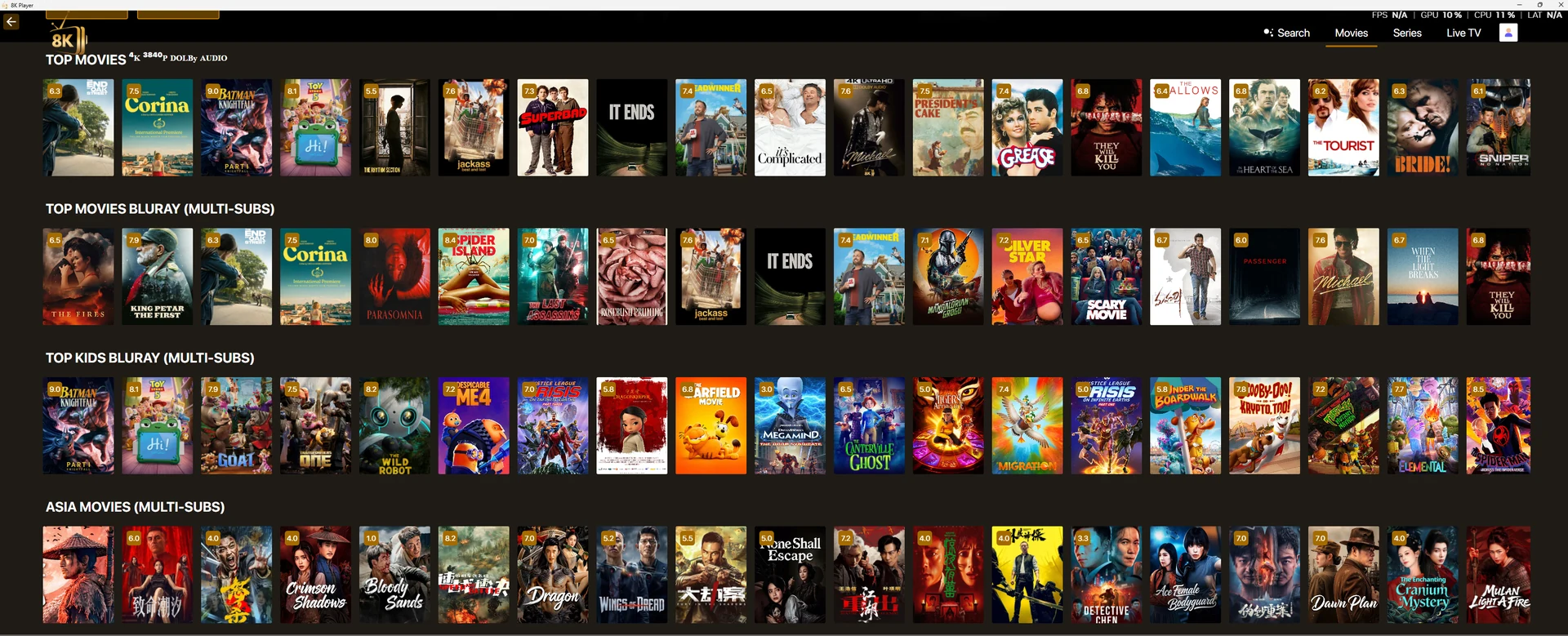
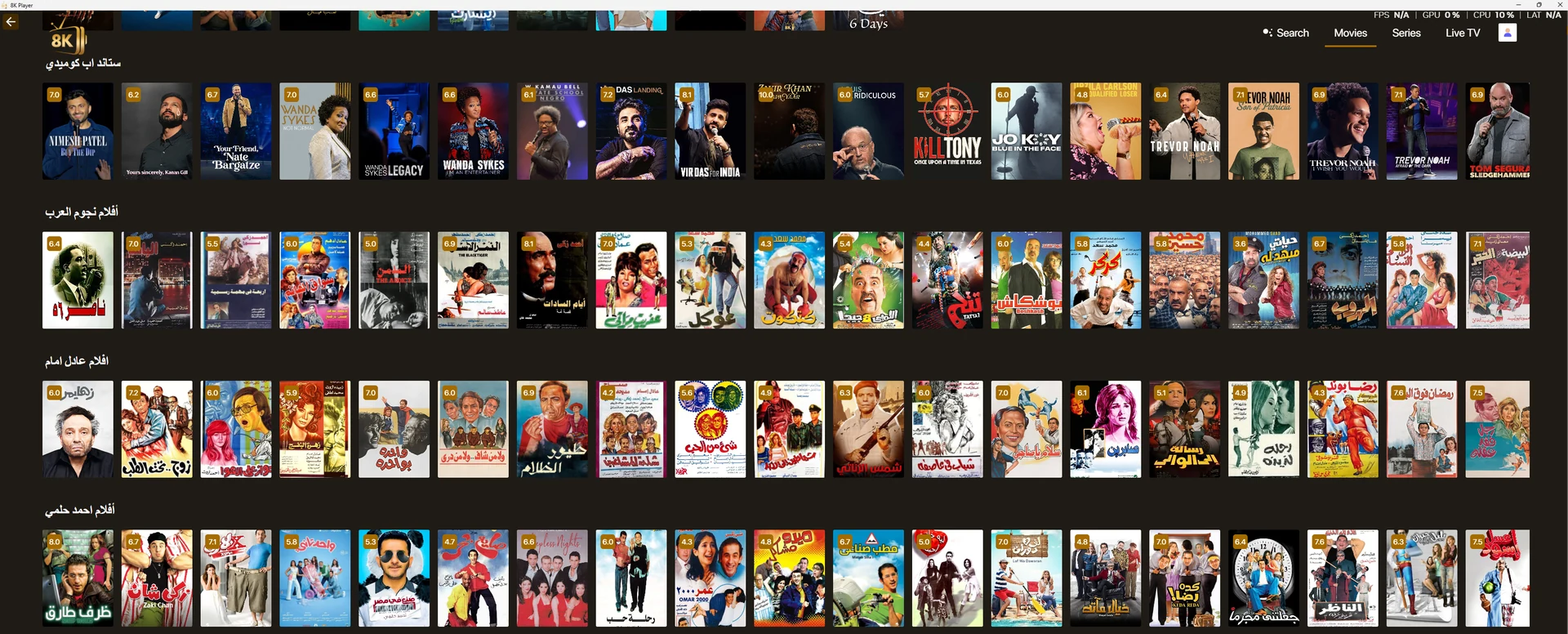
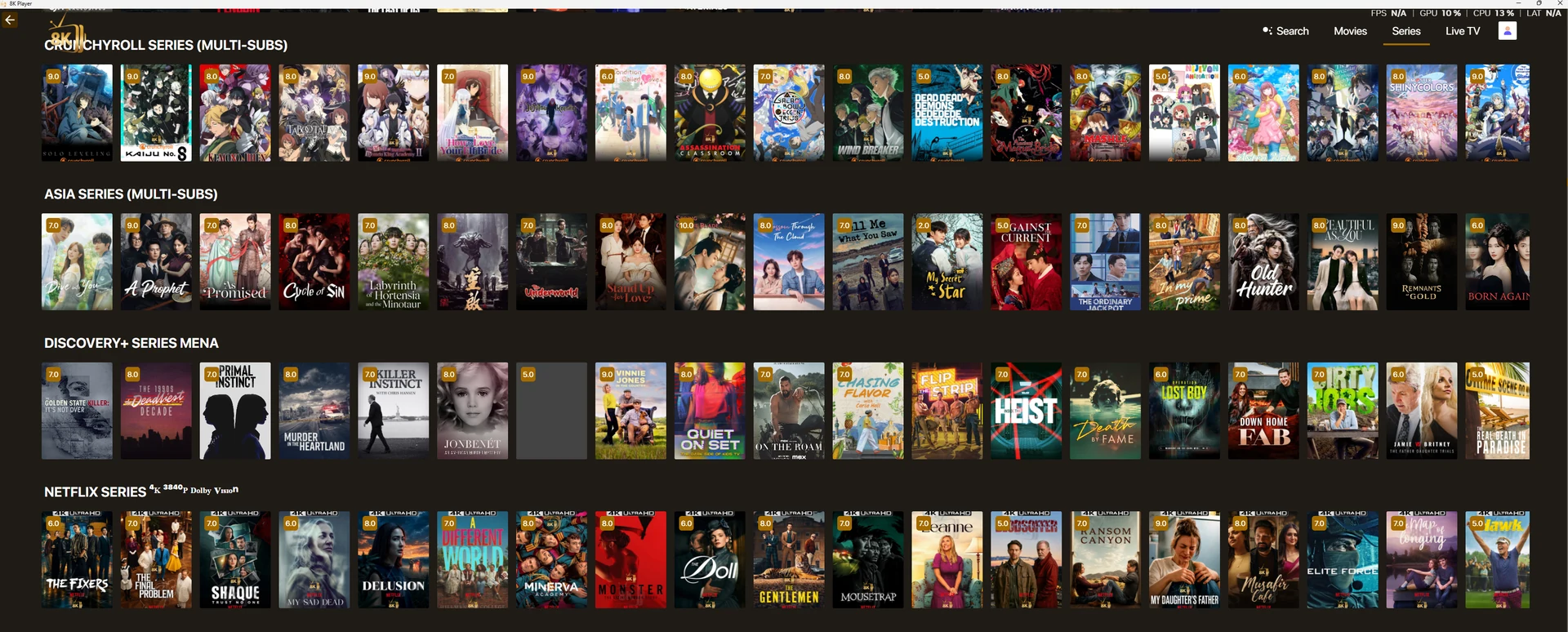
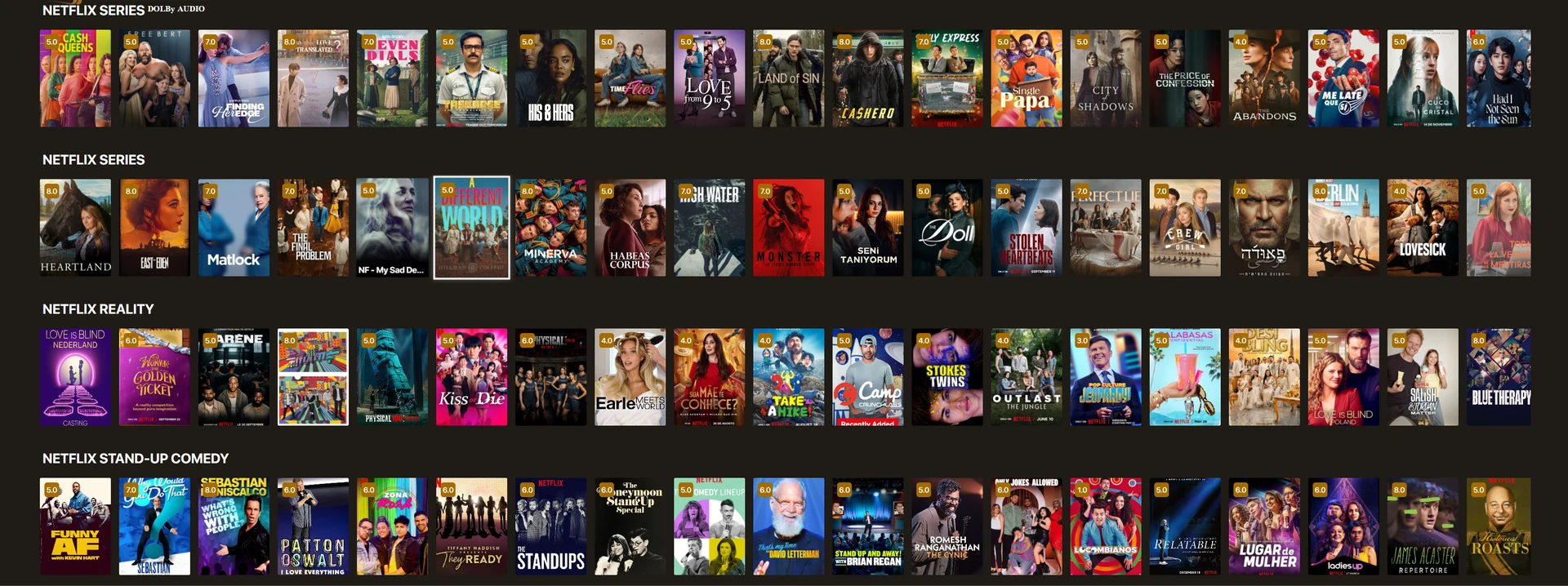
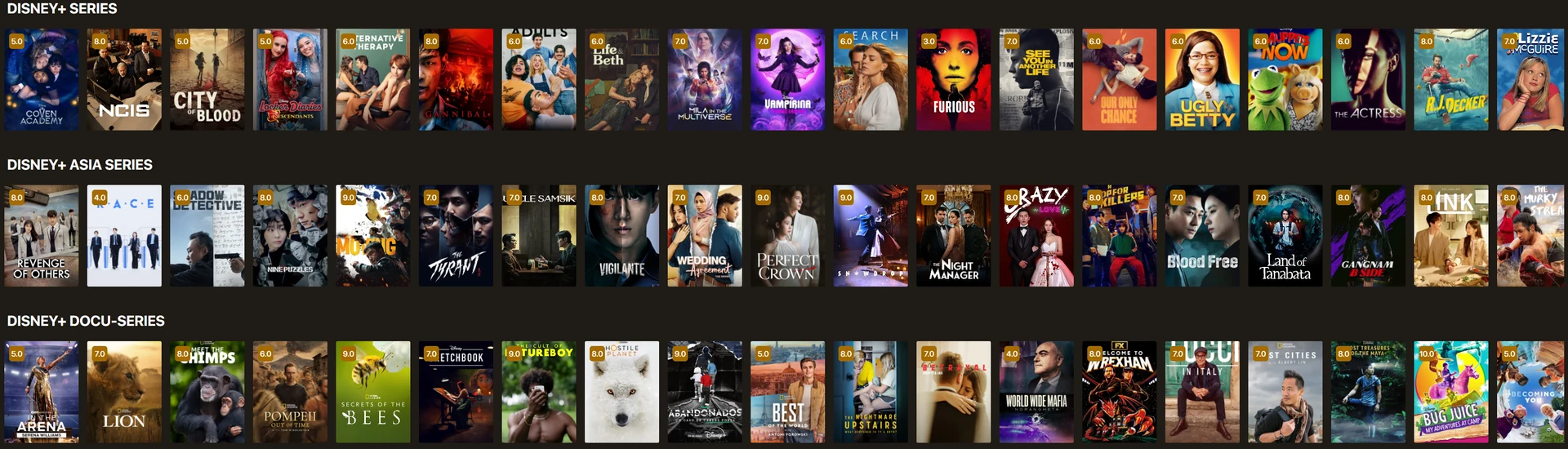
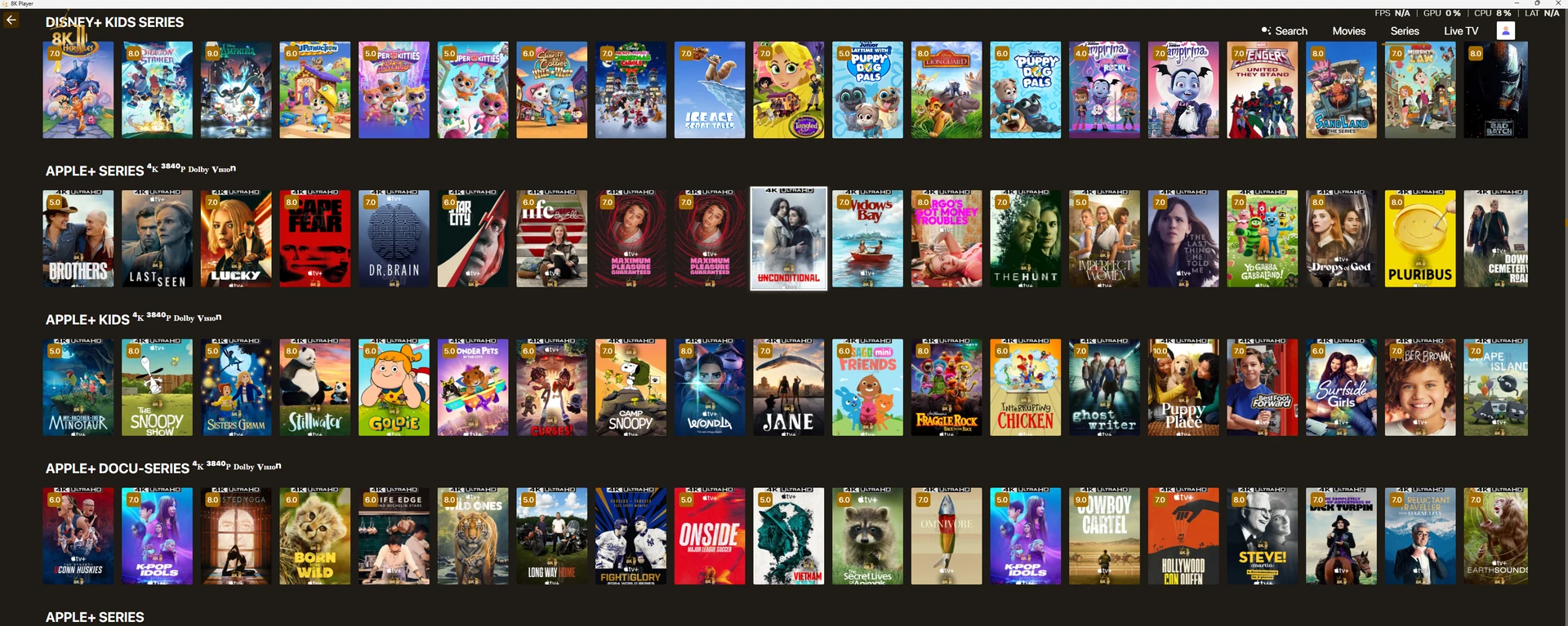
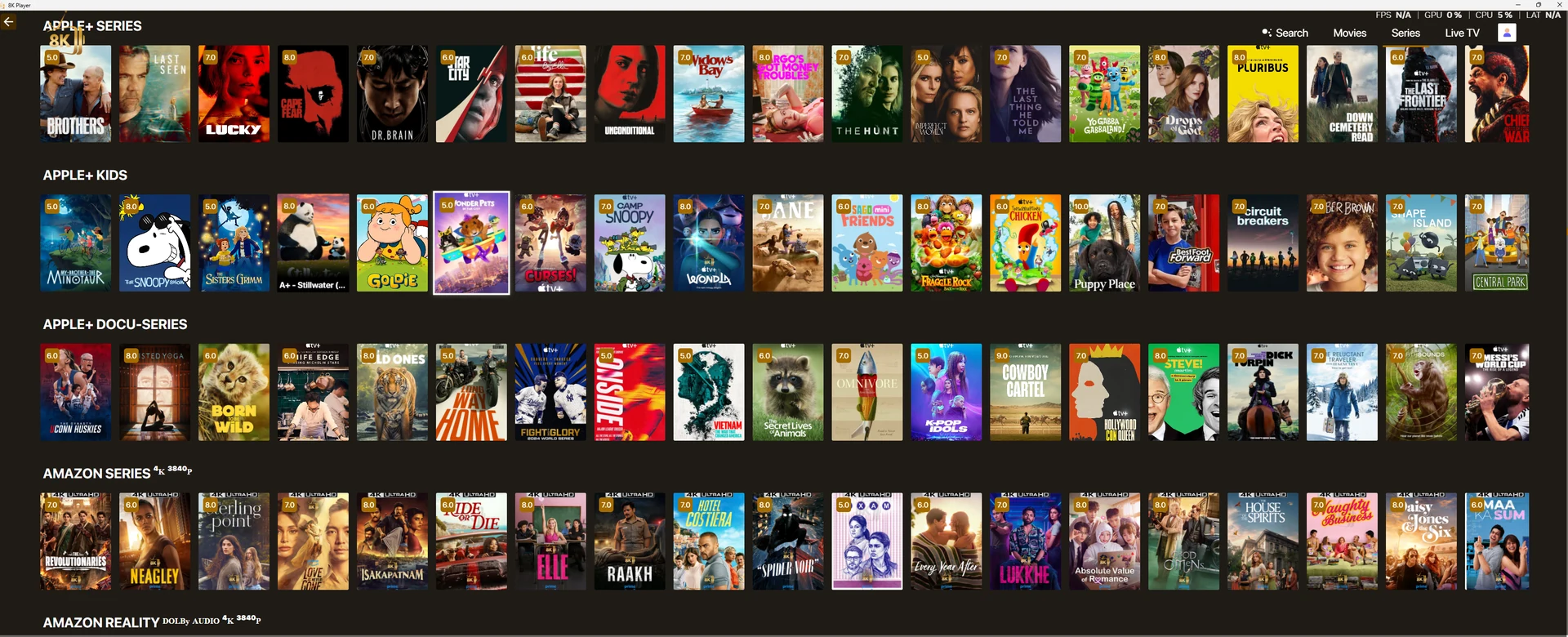
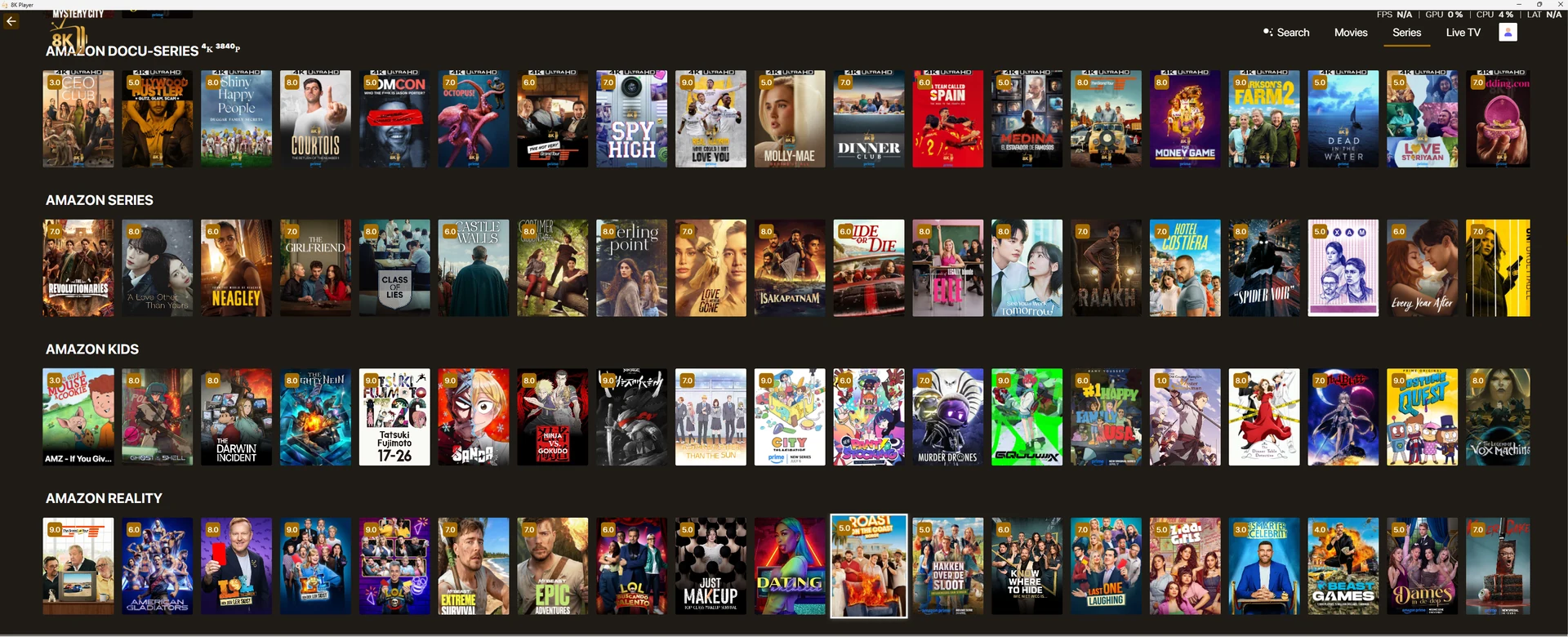
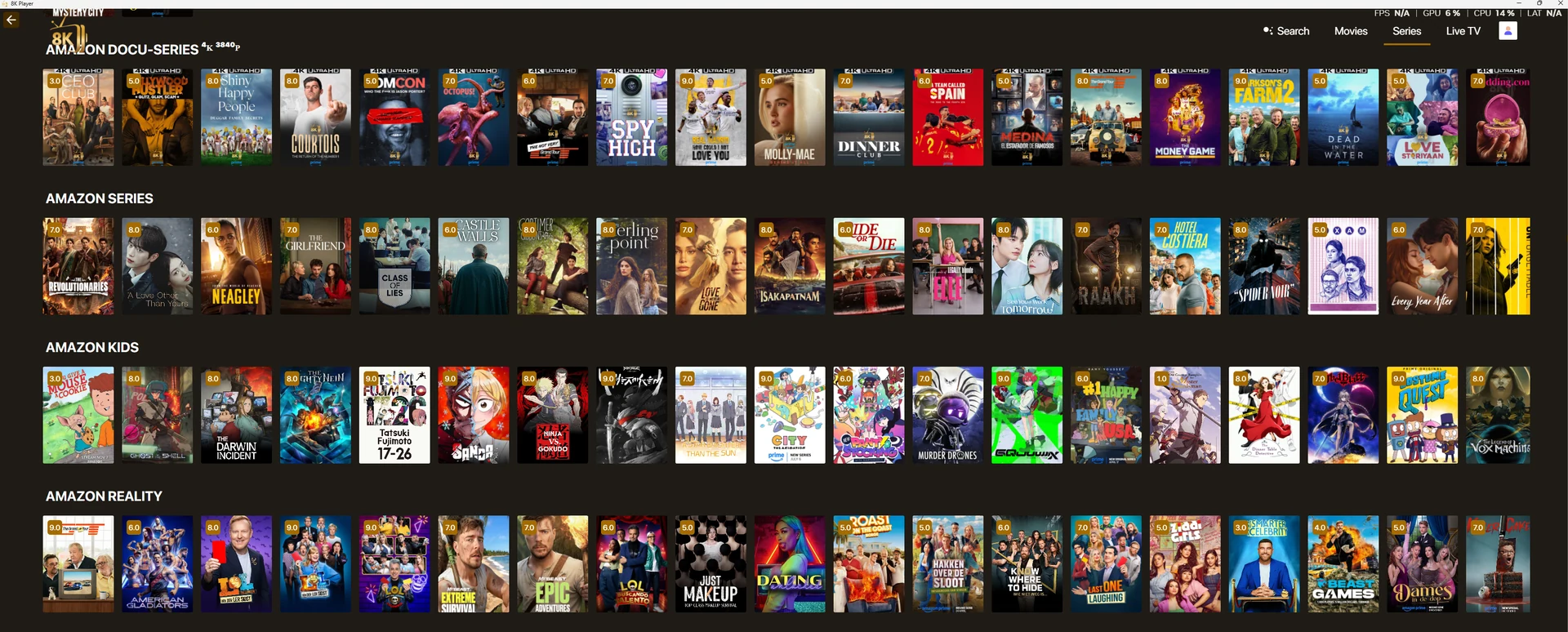
The Windows 11 file is separate from the Windows 10 installer. The supplied desktop interface illustrates playlist entry and discovery; it does not independently verify the host Windows edition.
Provider-listed source · 2026-03-27
8K Player Windows 11 App
Version 0.2.0
Installation and first playback
The Windows 11 file is separate from the Windows 10 installer. The supplied desktop interface illustrates playlist entry and discovery; it does not independently verify the host Windows edition.
Install only a format supported by the operating system. Open the player, record its exact name and version, and ask for the account entry route. A device MAC address, a username/password account and a portal are distinct forms of activation.
After installation, WhatsApp support for a one-day free trial. Test a live source, a short movie, sound and guide data on the device and network you intend to use. Keep account and player licence requirements separate.
Troubleshooting this route
If installation fails, collect the file name, operating system and exact message. If login fails, check the issued server choice and account expiry. If login succeeds but playback fails, identify one affected source and compare one other source.
Preserve a working account and supported preference backup before reinstalling. A desktop file should not be treated as an Android APK, and MAC-address activation should not be confused with the macOS installer.
Guide
Device setup routes
Select the platform you actually use.
Read the guideGuide
Account formats explained
Keep player fields and issued credentials aligned.
Read the guide